Web Interface Control
Unit
- Title
- Learning ASP.NET Core 2.0
- Genre
- Programming & Software Development
- Price
- 45.00
- PublishDate
- 4/23/2012 12:00:00 AM
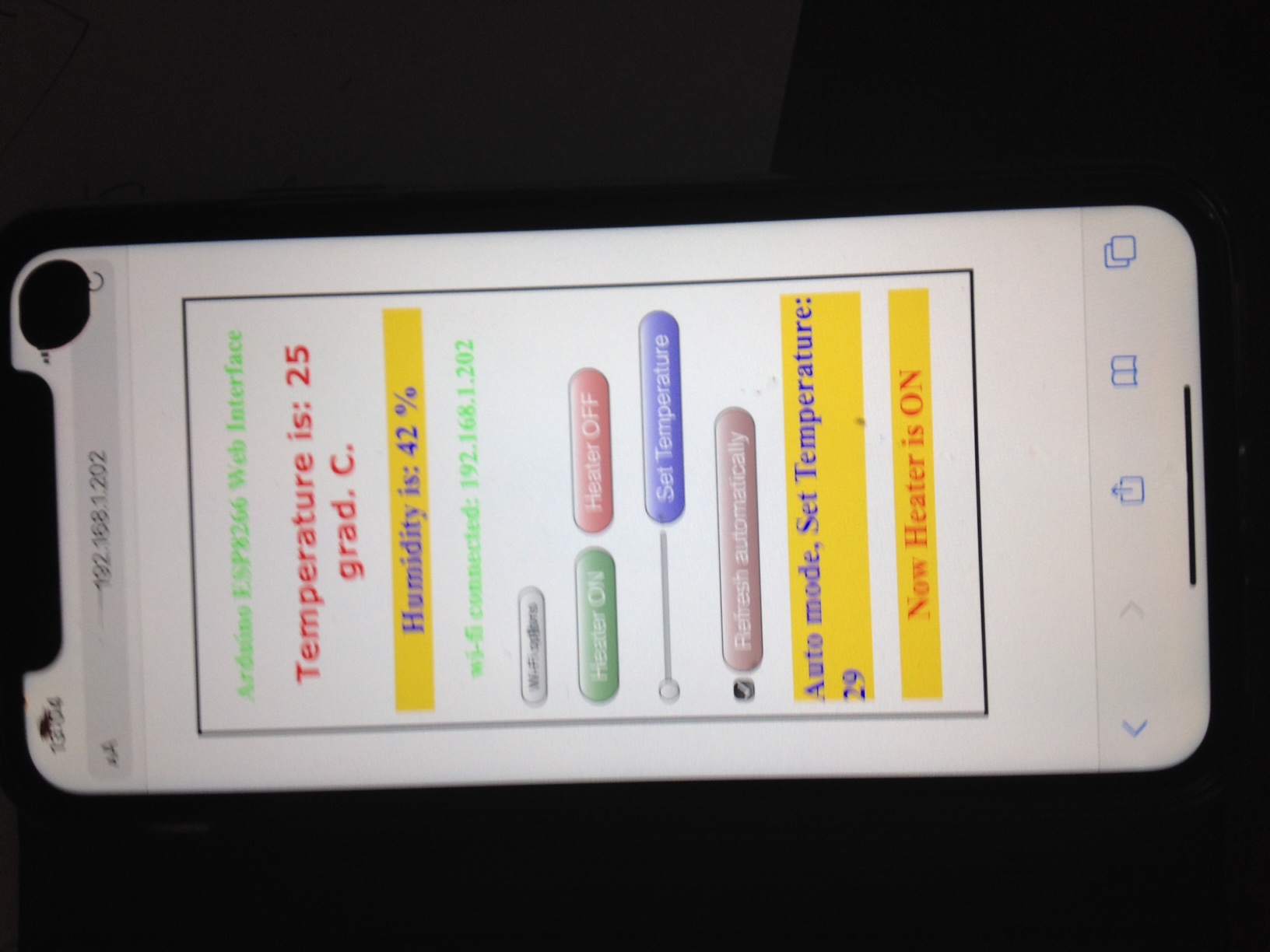
Mobile Browser view
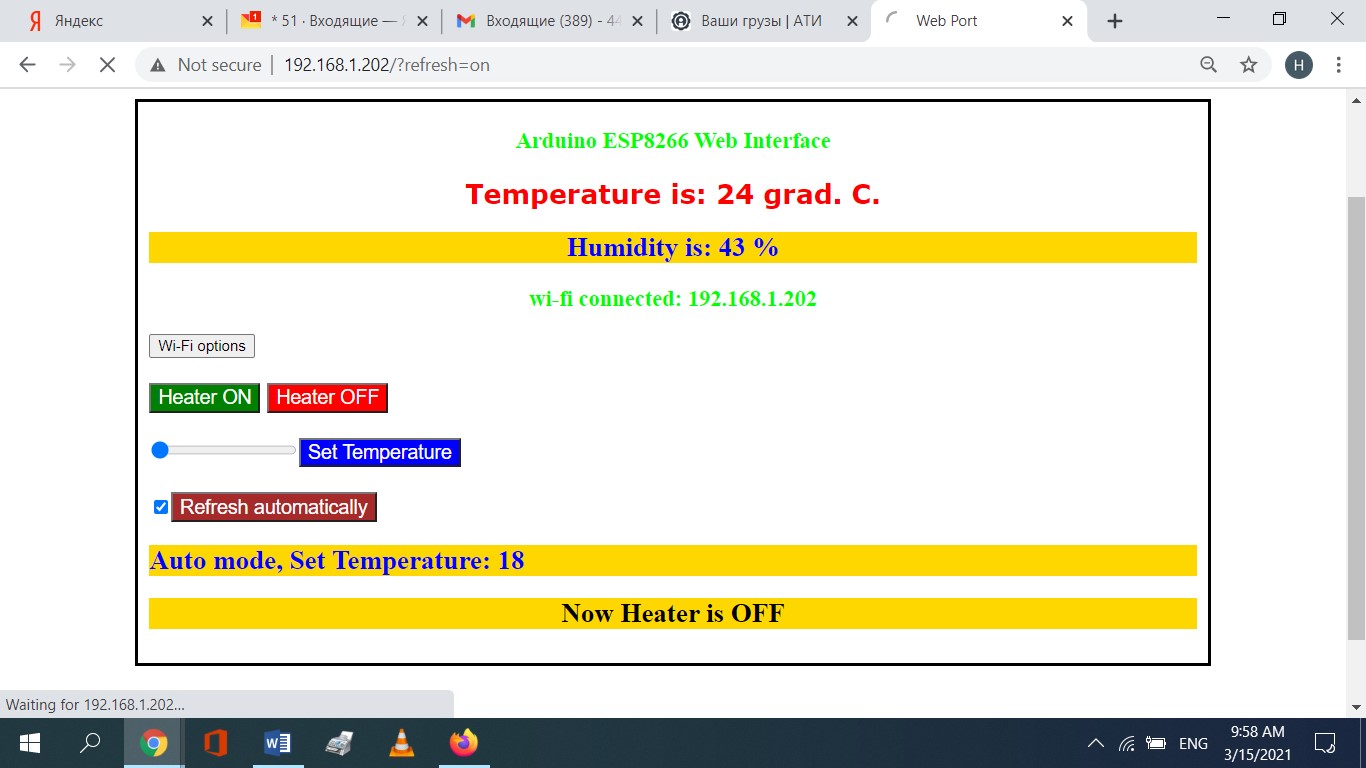
The Web Interface.
It allows remote control through a Web browser of a PC, Laptop or a mobile device.
The initial connection to a local Wi-Fi network is also established through it.
To do this power up the microcontroller. Connect to it in AP mode
(SSID starts with ESP8266..).
Find the security key in the controller  C++ source code line 94:
 WiFi.softAP("ESP8266", "yourpassword");
As connection has been established type "192.168.4.1" in your browser's url field
and you'll see a web page (see pic. below).
To connect to a local Wi-Fi network click on the Wi-Fi options button, enter
the SSID and password of your network and click on Save. After that wait a few seconds while the web page
is refreshing. If connection is success an IP-address of the microcontroller in the local Wi-Fi
network will be displayed. Otherwise you'll see an error code.
Now you can close the AP connection and reconnect to the device
in your local network at the displayed address.
Desktop/Laptop Browser View
| Authors |
|---|
| Jason De Oliveira |
| Michel Bruchet |